
Most manuscripts begin life as a Word document, and most authors assume that turning one into an ebook is a matter of pressing Save As. It is not. Word is built to produce pages. An EPUB is built to reflow. A Word file carries formatting that Word understands and an ebook does not: tabs and spaces used for indents, blank lines used for spacing, text boxes, manual page breaks, headers and footers, columns, floating images and fonts. A direct conversion drags all of that into the EPUB as clutter. Word to EPUB conversion is the careful translation of a manuscript into a clean ebook.
Word to EPUB Conversion · from $179
Word to EPUB conversion that turns your manuscript into a clean ebook
Word to EPUB conversion takes the manuscript you wrote in Microsoft Word and turns it into a reflowable ebook that retailers accept and readers enjoy. Our word to epub conversion services clean the document, apply proper styles, build the contents page and validate the finished file, so you do not have to learn code or fight an export tool. Choose a word count to see an exact price for your own manuscript now.
View Pricing
Most manuscripts are converted in three to five working days.
- DOCX cleaned and rebuilt
- Linked contents page included
- Fixed price and clear turnaround
Key facts
- $179Starting price for the Word-to-EPUB conversion, before extras
- 2 roundsOf revisions included in every Word-to-EPUB conversion order
- 2 to 3 daysFastest standard delivery for a short Word-to-EPUB conversion
Overview
What a Word-to-EPUB conversion actually involves
The process begins with preparing the Word file. We remove manual formatting, apply heading styles to chapters, set a standard body style, fix quotation marks and dashes, handle scene breaks and place images inline. Then we convert, using a tool that respects styles, and inspect the HTML that comes out. We clean it, apply a small stylesheet, build the navigation and the linked contents page and set the metadata. The finished EPUB is validated and tested on devices. The result looks like a book and not like a Word file.
We handle Word and DOCX files for any retailer: Kindle, Apple Books, Kobo, Google Play, Barnes & Noble and Draft2Digital. We handle tables of contents, footnotes and endnotes, images and special elements. If your Word file has tracked changes, comments or complex fields, we resolve them before conversion. We return a valid EPUB, a Kindle file if you want one, a note on what we changed and, if you wish, a cleaned Word file for future edits.
We start every Word to EPUB conversion job with an audit. We open your file or manuscript, list what is already right, what is wrong and what needs a decision from you, and send that back before any work begins in this Word-to-EPUB conversion order. The audit is why there are no surprises: you know the scope, the price and the schedule, and you know which of style clean-up and heading structure is likely to need the most care.
If you want to convert Word manuscript to ebook, the cleanest route is to apply real heading and paragraph styles in Word first, then convert and validate the file so the result opens correctly on every store.
Why it matters
Why a Word-to-EPUB conversion matters
Word to EPUB conversion shapes the reading experience
Automatic conversion carries over every manual space, tab and font change, which then appear as faults on devices. Readers rarely name the cause, but they feel the difference between careful and careless Word to EPUB conversion work.
The details carry the quality
A clean conversion gives a smaller, faster and more accessible ebook. Each detail in Word to EPUB conversion has a tolerance, and a professional knows where it lies and how to check it. None of this is visible when it is done well, which is exactly why careful Word to EPUB conversion work is easy to undervalue.
Doing it once, properly, saves time
A good Word source also makes later editions easier to produce. Getting Word to EPUB conversion right at the start also keeps later edits, reprints and new editions inexpensive. It is far easier to get Word to EPUB conversion right while the book is still a working file than to repair it after publication.
From DOCX to a finished ebook
The best way to convert word to epub
A good conversion begins before any file is exported, because the cleanliness of the Word document decides the quality of the EPUB. We remove direct formatting, resolve style conflicts and map every heading to a proper structure, which is the best way to convert word to epub without carrying hidden problems across.
A docx to epub conversion service also handles the elements that Word users add by hand: scene breaks made of asterisks, block quotes set with indents, lists typed with dashes and images dragged into the text. Each becomes a proper element with a style, so the ebook behaves the same way on every device.
If you plan to publish through Amazon, a word document to epub for kdp is built so that Kindle's conversion keeps the design, and a word to epub for kobo is checked against Kobo's rules. One clean file serves both stores, and we test it before we send it.
- Direct formatting stripped and replaced with styles
- Scene breaks, quotes and lists coded as real elements
- One file tested for Kindle and Kobo
Choose the right build
The first decision in any Word-to-EPUB conversion
Prose Word to EPUB
Text-led books with standard styles. We choose this route when the book leans on style clean-up, and we show a sample before the whole Word to EPUB conversion job proceeds. We show a sample of each route where it helps, so you can choose from evidence rather than from a description with your Word-to-EPUB conversion.
Complex Word to EPUB
Books with tables, notes and images. We choose this route when heading structure are central to how the book is used, and we explain the cost and schedule consequences before you commit. We show a sample of each route where it helps, so you can choose from evidence rather than from a description with your Word-to-EPUB conversion.
Specification
The Word-to-EPUB conversion specification we build to
These are the decisions we make on every Word-to-EPUB conversion job, and the reason for each one.
Element
How we build it
Why it matters
Styles
Named paragraph and character styles. We confirm the value with you before building, and record it in the specification for your Word to EPUB conversion job.
Clean markup after export. Getting this right early avoids rework once the Word to EPUB conversion pages have been proofed.
Structure
One file per chapter. We apply it through a defined style or setting, so it holds across the whole Word to EPUB conversion file.
Reliable navigation. On this Word-to-EPUB conversion job, readers and reviewers notice when it is wrong, even when they cannot say what is wrong.
Images
Resampled with alt text. We verify it again in the final proof, because it is easy to disturb during late edits with your Word-to-EPUB conversion.
Sharp and accessible. Platforms and printers check it automatically, and a failure delays the launch with your Word-to-EPUB conversion.
Validation
EPUBCheck pass. Where your platform sets a different rule, we follow the platform and tell you why for the Word-to-EPUB conversion.
Retailers accept the file. It also keeps later editions of the Word to EPUB conversion work consistent with the first.
Files
A validated EPUB, a clean Word file with styles and a validation report, named consistently and delivered with a short specification.
A clear package prevents mix-ups between versions and speeds up any later change with your Word-to-EPUB conversion. Getting this right early avoids rework once the Word to EPUB conversion pages have been proofed.
Checks
Preflight or validation run on every deliverable, with the report supplied on this Word-to-EPUB conversion project. We apply it through a defined style or setting, so it holds across the whole Word to EPUB conversion file.
Evidence of a clean pass is what separates a checked file from a hopeful one with your Word-to-EPUB conversion. On this Word-to-EPUB conversion job, readers and reviewers notice when it is wrong, even when they cannot say what is wrong.
See what it costs
See the price of your Word-to-EPUB conversion in a minute
Pick a word count to see the price of converting your own Word manuscript, with delivery time and optional extras shown before you decide.
Build my priceProcess
How a Word-to-EPUB conversion project runs
Send
You send the files and tell us what you need from the Word to EPUB conversion job, including where you plan to publish and any deadline. With your Word-to-EPUB conversion, we confirm the scope and the price. You are never left guessing what comes next, because we confirm each stage of the Word to EPUB conversion job in writing.
Day 1
Audit
For your Word-to-EPUB conversion, we examine the file, list what is correct and what must change, and send a short note with any decisions we need from you. If something unexpected turns up at this stage, we tell you at once and agree the fix before continuing with your Word-to-EPUB conversion.
Days 1 to 2
Plan
We agree the specification, including how we will treat style clean-up and heading structure, and confirm the schedule. This stage is where most questions arise, so we leave time for them in the schedule for the Word-to-EPUB conversion.
Day 2
Build
We carry out the work, applying defined styles and settings, and fixing faults at their source rather than covering them for the Word-to-EPUB conversion. You are never left guessing what comes next, because we confirm each stage of the Word to EPUB conversion job in writing.
Days 3 to 7
Check
We validate, preview and review the result against the specification, and compare the text with your manuscript on this Word-to-EPUB conversion project. If something unexpected turns up at this stage, we tell you at once and agree the fix before continuing with your Word-to-EPUB conversion.
Days 8 to 9
Deliver
On this Word-to-EPUB conversion job, you receive the files, the specification and the change log, with support if a platform queries the file. This stage is where most questions arise, so we leave time for them in the schedule for the Word-to-EPUB conversion.
Day 10
Before and after
A Word manuscript before and after conversion
The same chapter shown as a direct export and as a managed conversion. The words are identical, and only the second is ready to publish.
123Before
- 1Indents made with tabs that shift on a phone
- 2Scene breaks typed as three asterisks with no style
- 3A typed contents page with no links
123After
- 1Indents controlled by a style that stays consistent
- 2Scene breaks coded as a styled element
- 3A linked contents page that jumps to each chapter
- 3problems found in the first review
- 3fixes checked in the final review
- 1named specialist owning every fix
- Fixedprice confirmed in the calculator before you order
Cleaner code
The ebook behaves predictably on every device and every setting.
Less work for you
You send the DOCX and receive a finished file.
Faster approval
A validated file passes retailer checks without delay.
Pricing calculator
Build your Word-to-EPUB conversion price
Your manuscript already lives in Word, and what matters now is turning it into an EPUB that behaves on every device. Choose the files you need and the book's structure and the fixed price for the conversion builds below.
Beyond our online limit? Let us quote it properly.
A Word manuscript above 150,000 words, or with more than 150 images, is quoted individually so nothing is overlooked. Send us the file details and a specialist replies with a fixed price and a delivery date.
The price covers converting, validating and testing the EPUB from your Word file. Substantive editing, cover design, ISBN purchase and retailer fees are not included.
Price guide
Word to EPUB Conversion cost at a glance
The table lists word to epub conversion cost by manuscript length, with the base price, delivery time and the kind of book that fits. The calculator adds extras to your Word-to-EPUB conversion for an exact total.
Word count
Base price
Standard delivery
Typical book
Very short text
$179
2-3 working days
Very short text
Short text
$219
3-4 working days
Short text
Compact text
$269
3-5 working days
Compact text
Short book
$349
4-6 working days
Short book
Standard length
$419
5-7 working days
Standard length
Full-length text
$499
5-8 working days
Full-length text
Long text
$569
6-9 working days
Long text
Large text
$639
7-10 working days
Large text
Longest online length
$719
8-11 working days
Longest online length
More than 150,000 words
Custom quote
Agreed with your quote
Quoted individually
Comparison
Word to EPUB Conversion compared with the alternatives
What you compare
A quick Word to EPUB conversion fix
Professional Word to EPUB conversion
Approach
A quick fix treats symptoms and leaves the cause in the file in this Word-to-EPUB conversion order. That approach saves effort at the start and tends to cost more in repairs once the Word to EPUB conversion job is live.
A professional Word to EPUB conversion job finds and corrects the cause. We do this as standard on every Word to EPUB conversion job, and the evidence comes with your files.
Consistency
For your Word-to-EPUB conversion, manual changes vary from page to page. On this Word-to-EPUB conversion job, it leaves the cause in place, so the same fault tends to return when the text changes.
Defined styles apply identically everywhere. With your Word-to-EPUB conversion, it is built to be repeated, so later editions cost less and match the first.
Validation
Success is judged by eye on one screen with your Word-to-EPUB conversion. It is hard to check, so faults are usually found by readers instead of by the author on this Word-to-EPUB conversion project.
For a Word-to-EPUB conversion, success is judged by the platform's own checks and real devices. It is checked by a person and by software before it reaches you, so problems are found early in this Word-to-EPUB conversion order.
Documentation
Nothing is recorded, so the next edition starts again with your Word-to-EPUB conversion. That approach saves effort at the start and tends to cost more in repairs once the Word to EPUB conversion job is live.
A specification and change log are supplied in this Word-to-EPUB conversion order. We do this as standard on every Word to EPUB conversion job, and the evidence comes with your files.
Risk
A rejected upload costs days and may delay a launch on this Word-to-EPUB conversion project. On this Word-to-EPUB conversion job, it leaves the cause in place, so the same fault tends to return when the text changes.
Files are tested before they reach you, and fixes are covered by the guarantee on this Word-to-EPUB conversion project.
Cost
On this Word-to-EPUB conversion job, cheap at first, then repeated whenever something changes. It is hard to check, so faults are usually found by readers instead of by the author on this Word-to-EPUB conversion project.
With your Word-to-EPUB conversion, a fixed price and a reusable result. It is checked by a person and by software before it reaches you, so problems are found early in this Word-to-EPUB conversion order.
Portfolio
Word to EPUB portfolio
Finished examples of Word to EPUB Conversion work from our portfolio, each one built for a real book.
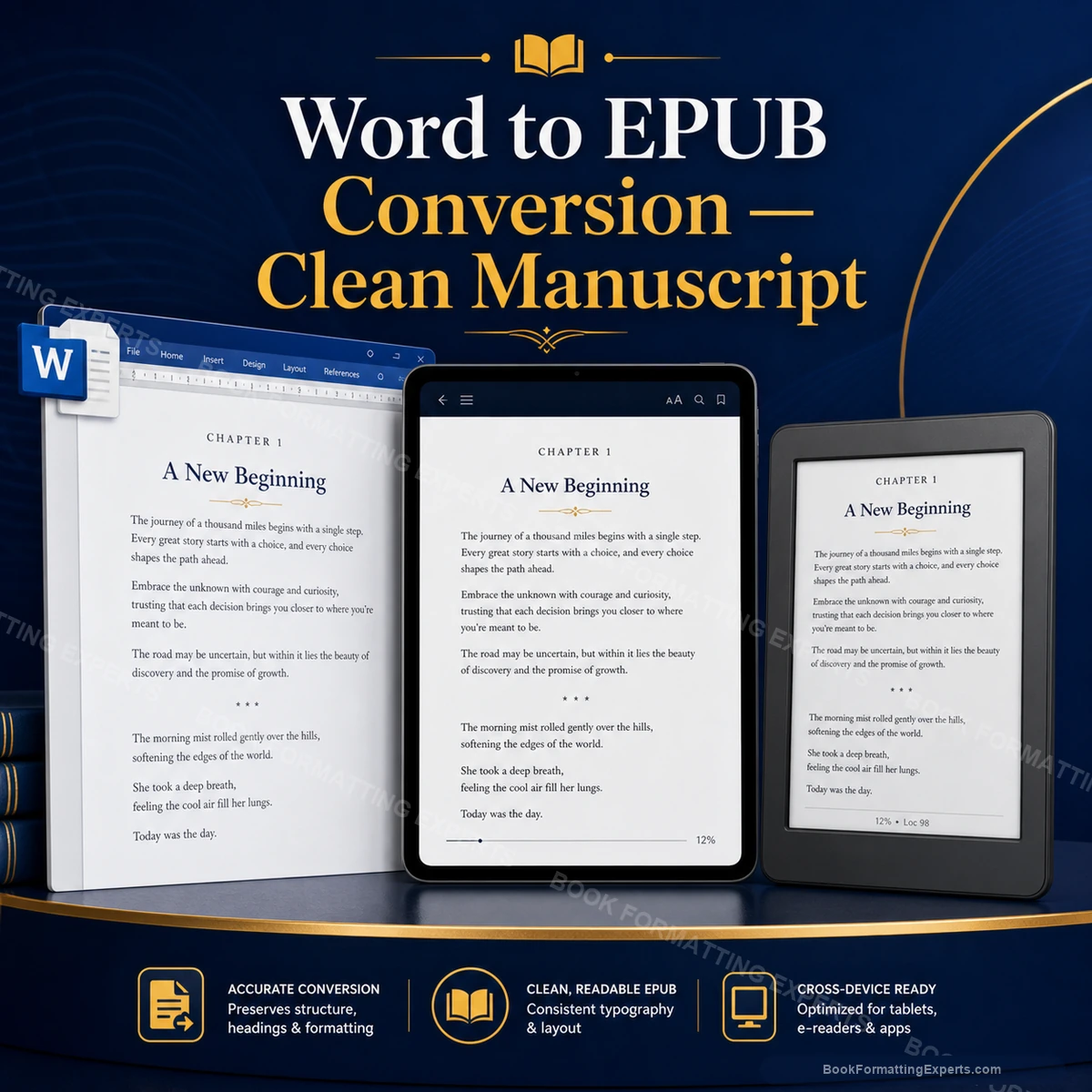
Clean Manuscript
A finished Clean Manuscript example from our Word to EPUB Conversion work.
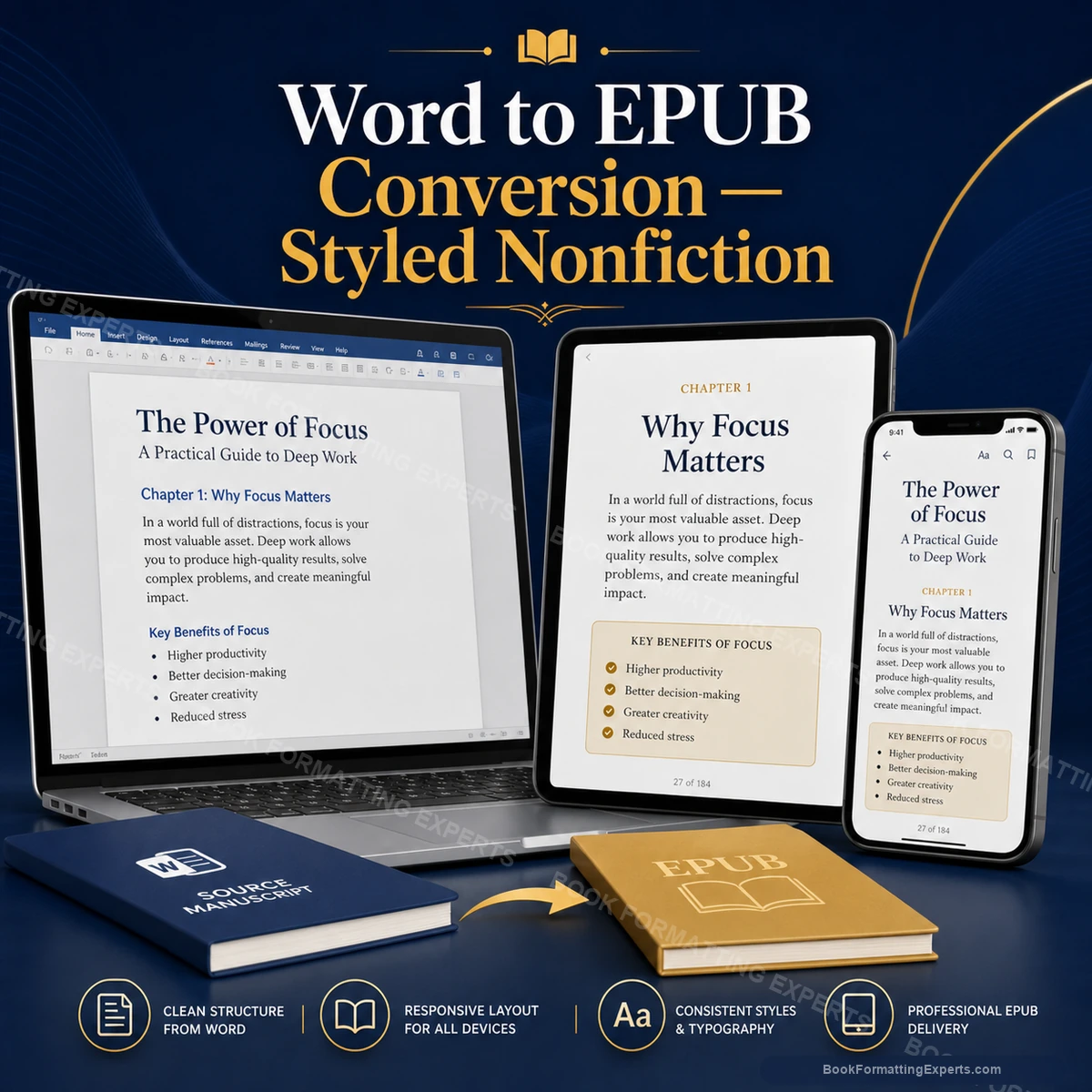
Styled Nonfiction
A finished Styled Nonfiction example from our Word to EPUB Conversion work.
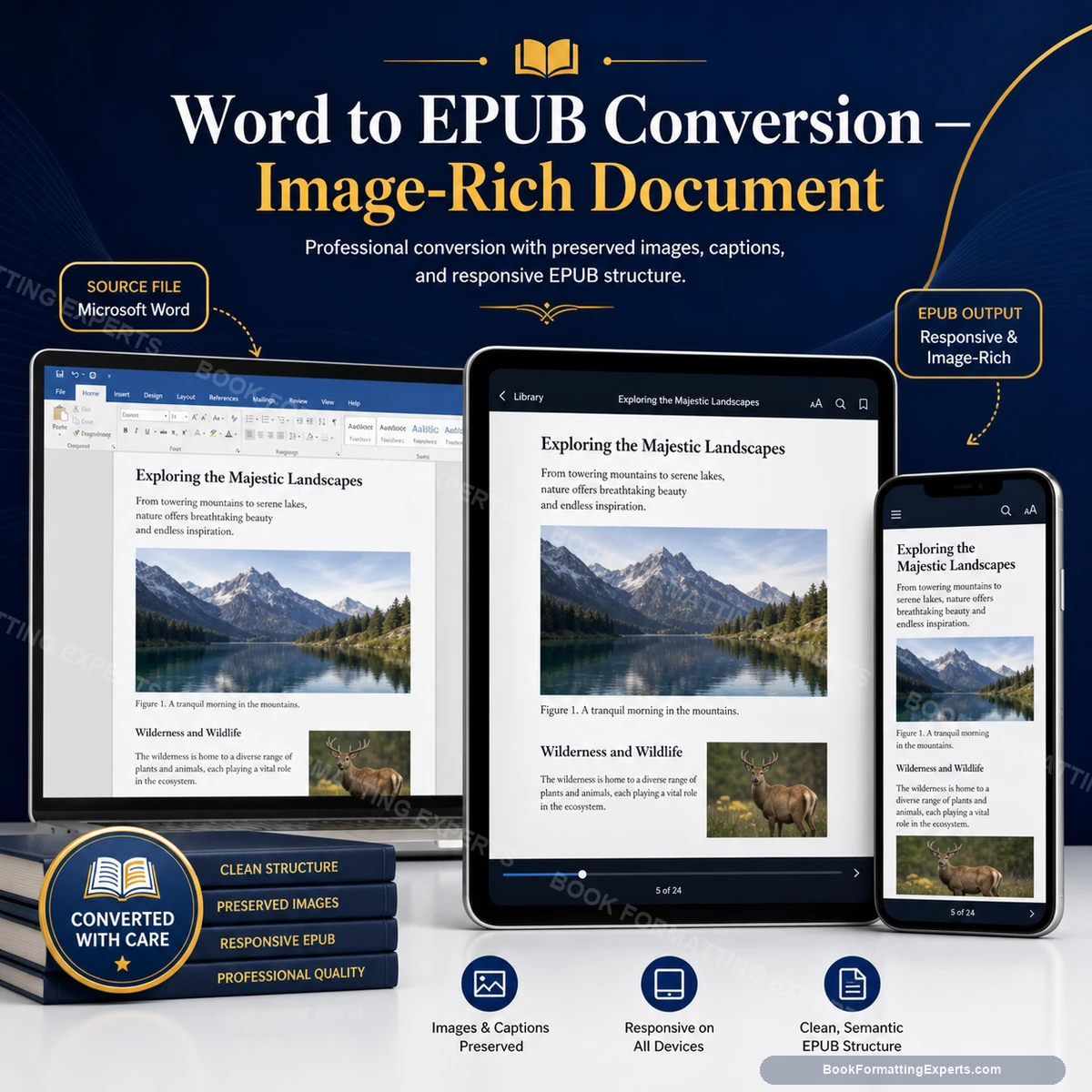
Image Rich Document
A finished Image Rich Document example from our Word to EPUB Conversion work.
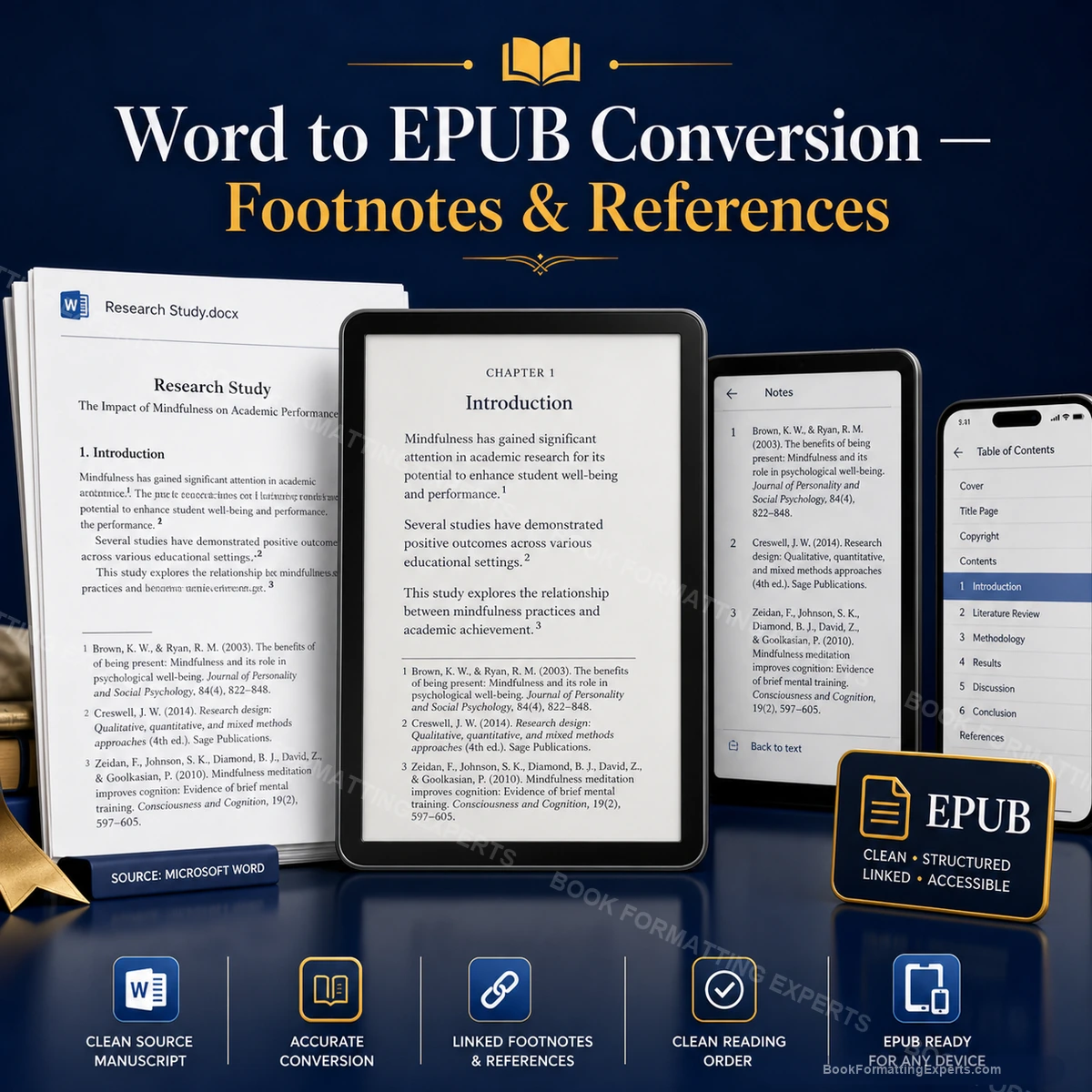
Footnotes References
A finished Footnotes References example from our Word to EPUB Conversion work.
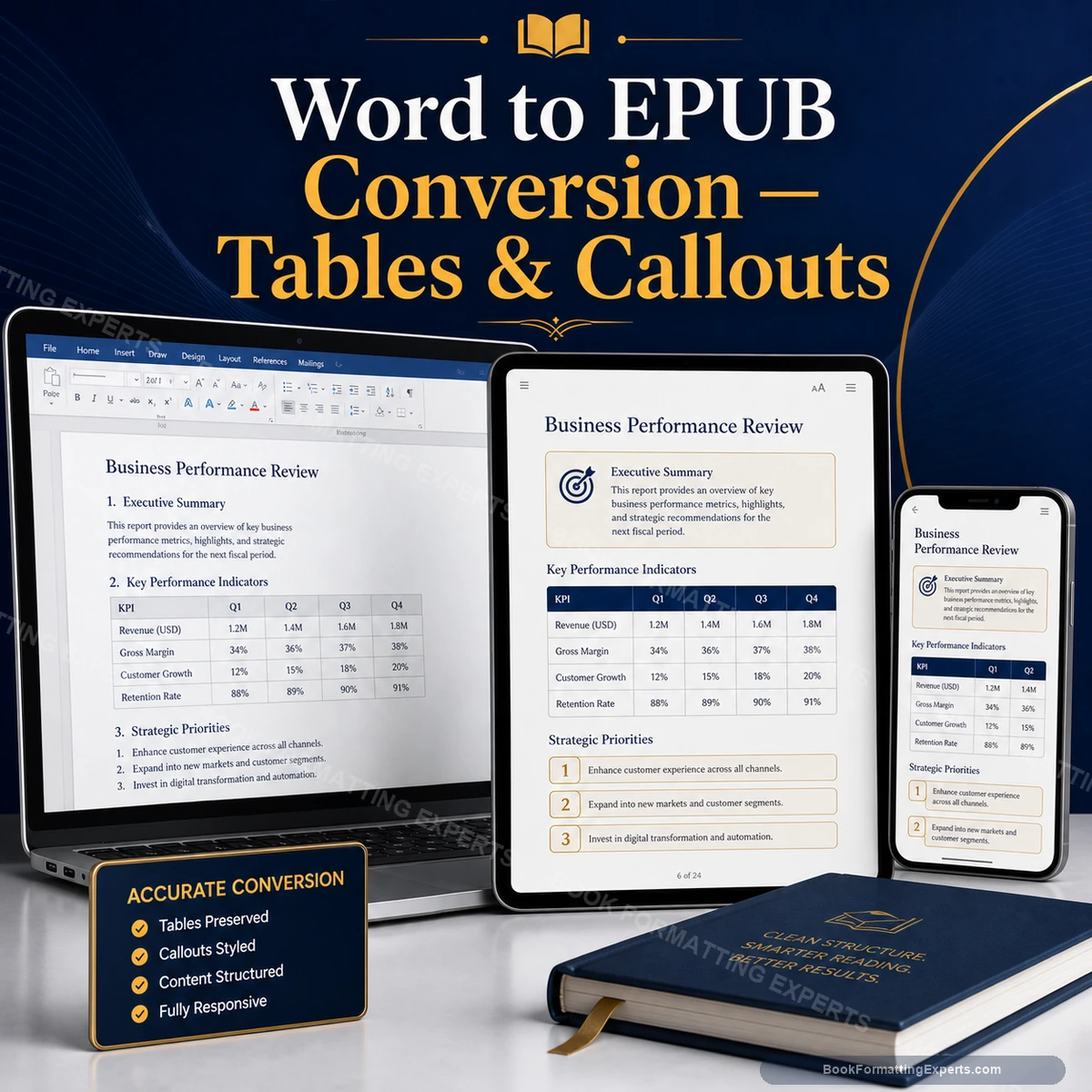
Tables Callouts
A finished Tables Callouts example from our Word to EPUB Conversion work.
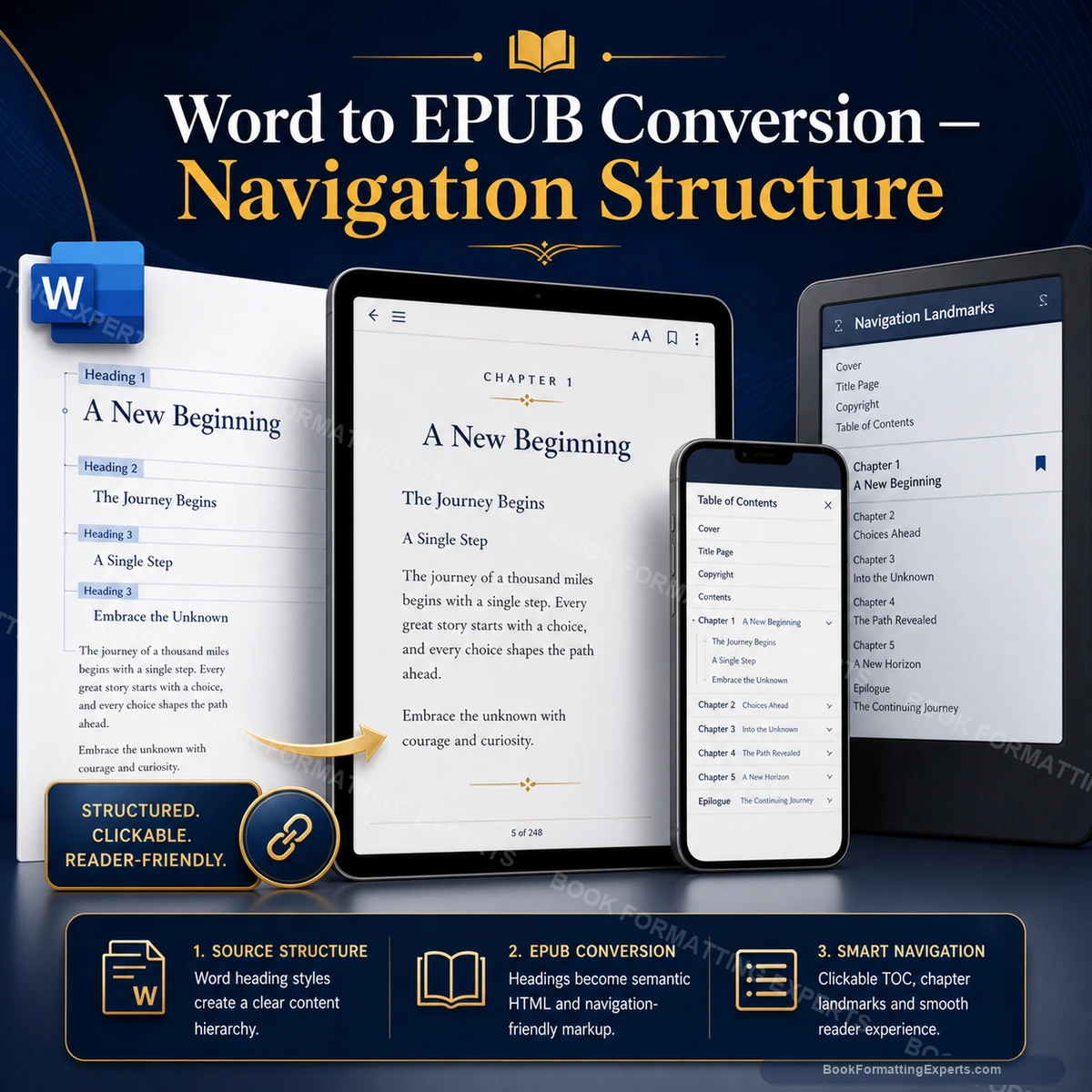
Navigation Structure
A finished Navigation Structure example from our Word to EPUB Conversion work.
Our standard
The standard we hold every Word-to-EPUB conversion to
Fix causes, not symptoms
Our Word to EPUB conversion work corrects the underlying structure, so the same problem does not return when the text changes. It is a standard we hold on every Word to EPUB conversion job, whatever the price of the package or the length of the book.
Evidence over assurance
We supply the validation or preflight report with your files, so a clean result is something you can see in this Word-to-EPUB conversion order. On this Word-to-EPUB conversion job, you can check it for yourself, because the evidence comes with your files. On this Word-to-EPUB conversion job, holding to it costs us time, and it saves you the cost of repairs later.
Plain communication
We explain what we found and what we did in plain language, and we tell you honestly when something is outside what the file can support on this Word-to-EPUB conversion project. On this Word-to-EPUB conversion job, holding to it costs us time, and it saves you the cost of repairs later.
Checklist
The pre-delivery checklist for a Word-to-EPUB conversion
Every item below is verified on your Word-to-EPUB conversion before it leaves our desk.
- Audit completed and agreed with you
- Style clean-up checked and corrected
- Heading structure checked and corrected
- Images and tables checked and corrected
- EPUB export and validation checked and corrected
- Validation or preflight run with the report supplied
- Previewer and device checks completed
- Text compared with the approved manuscript
- Specification and change log delivered
How we think
How we think about your Word-to-EPUB conversion
Structure first
In Word to EPUB conversion, style clean-up and heading structure are built into the file, not painted on top. On this Word-to-EPUB conversion job, we treat structure as the foundation and appearance as the finish, because structure is what survives edits and platform changes.
Checked, not hoped
A file is not finished because it looks right on our screen on this Word-to-EPUB conversion project. It is finished when the validator, the preflight and real devices agree, and when we can show you the evidence in this Word-to-EPUB conversion order. It is the principle behind most of what we do on Word to EPUB conversion, and the reason we prefer to explain our choices rather than hide them.
Your files stay yours
We deliver source files and a specification, and we never lock your Word to EPUB conversion work inside a proprietary format. If you hire someone else later, they can pick up where we stopped with your Word-to-EPUB conversion.
Client reviews
What authors say about our Word to EPUB conversion
Verified reviews from authors whose Word manuscripts we converted.
The reflowable EPUB looks perfect on every device I tested — Kindle, Apple Books, and Kobo. The clickable table of contents and chapter navigation work exactly as they should.
Converting my nonfiction manuscript to EPUB while preserving the heading structure, footnotes, and internal links was no small task. Every element survived the conversion perfectly.
I had a previous EPUB that displayed incorrectly on several devices. Book Formatting Experts rebuilt it from scratch. The new version renders beautifully across every reader app I tested.
A fixed-layout EPUB for a cookbook is genuinely complex. The recipe layouts, ingredient lists, and photography all needed to remain pixel-perfect. The result looks as good as the print version on every device.
The EPUB renders perfectly on my Kindle, Apple Books, and Kobo. The clickable table of contents works exactly as it should. Clean, standards-compliant, and ready to distribute everywhere.
Academic EPUB with complex equations and references. One formula needed manual correction in revisions but the overall quality was exactly right. The file validates without errors on all platforms.
My business EPUB had tables and callout boxes that needed to be handled carefully. Everything was converted cleanly without losing any structural information. The file passed Amazon's validator on the first check.
My EPUB was rejected twice by Apple Books before I found Book Formatting Experts. They identified the metadata errors, rebuilt the file properly, and the new version passed immediately. Wish I had contacted them first.
My fantasy EPUB had complex nested structures with chapter epigraphs and world-building inserts. The EPUB handles every level cleanly and reads beautifully on Kindle and Apple Books.
The interactive elements in my EPUB — internal links, chapter navigation, and resource appendix — all work perfectly. My readers have specifically mentioned how easy the ebook is to navigate.
Good eBook formatting work. The tables converted cleanly and the navigation works well. One heading level needed a style adjustment but it was corrected quickly. The file performs well on all platforms.
The devotional layout needed daily readings, scripture references, and reflection prompts to work together without feeling cluttered. The specialist understood the format immediately and the result serves the purpose perfectly.
My YA book needed a layout that felt contemporary without being gimmicky. The chapter openers, font choices, and spacing all work for the target age group. My teen readers said it felt like a real published novel.
My historical novel had period-appropriate chapter epigraphs and an author's note section. Every element was formatted with understanding of the genre's conventions. My literary agent commented on the professional quality.
Really solid work. The formatting was clean and professional. My only note was turnaround took a day longer than expected, but the final file was exactly right and uploaded without any issues.
Fantasy books need careful layout to handle maps, epigraphs, and chapter artwork. Every element was handled with real understanding of the genre. The final interior is exactly what a fantasy reader expects.
My world-building sections, map pages, and chapter epigraphs were all handled with genuine understanding of the genre. The interior feels as immersive as the story itself. My readers noticed immediately.
My thriller needed a fast, clean layout with short chapters that kept the pacing tight on the page. The formatting reinforced the reading rhythm I had built into the manuscript. Exactly right.
FAQ
Word to EPUB Conversion: questions answered
These are the questions authors ask most about Word to EPUB conversion, including cleanup, retailers and cost. If your question about the Word-to-EPUB conversion is missing, request a quote and a specialist will reply.
How do I convert Word to EPUB?
Clean the file, apply heading styles, convert with a style-aware tool and check the result. For Word to EPUB conversion, we check the result against the platform's own rules before you see it.
What is a DOCX to EPUB conversion service?
It is a service that converts a Word file into a clean EPUB. For a Word-to-EPUB conversion, we keep a record of what we changed so that you can review the work.
How do I convert a Word document to EPUB for KDP?
Prepare the document and convert it to EPUB, then upload to KDP. On this Word-to-EPUB conversion job, the calculator on this page shows the fixed price for each package before you commit.
How do I convert a Word manuscript to an ebook?
Style the manuscript, convert and validate. If you are unsure, send the file and we will tell you what the job involves with your Word-to-EPUB conversion.
Can I get a table of contents in the EPUB?
Yes, built from heading styles. Revision rounds are included, so the first delivery does not have to be perfect with your Word-to-EPUB conversion.
Can you convert Word to EPUB for Kobo?
Yes. For Word to EPUB conversion, we check the result against the platform's own rules before you see it.
How much does Word to EPUB conversion cost?
On this Word-to-EPUB conversion job, the calculator on this page shows a fixed price for each package. For a Word-to-EPUB conversion, we keep a record of what we changed so that you can review the work.
What is the best way to convert Word to EPUB?
Prepare the file carefully and use a tool that reads styles. On this Word-to-EPUB conversion job, the calculator on this page shows the fixed price for each package before you commit.
What is Word to EPUB cleanup?
Removing manual formatting and fixing the output. If you are unsure, send the file and we will tell you what the job involves with your Word-to-EPUB conversion.
Will you change my text?
No. Revision rounds are included, so the first delivery does not have to be perfect with your Word-to-EPUB conversion.
Can you handle footnotes?
Yes. For Word to EPUB conversion, we check the result against the platform's own rules before you see it.
How long does it take?
Most conversions take about six days. For a Word-to-EPUB conversion, we keep a record of what we changed so that you can review the work.
Can you convert a DOCX file for KDP?
Yes. We clean the DOCX, build an EPUB and test it in Kindle Previewer. On this Word-to-EPUB conversion job, the calculator on this page shows the fixed price for each package before you commit.
Will the conversion change my text?
No. We compare the final text with your manuscript. If you are unsure, send the file and we will tell you what the job involves with your Word-to-EPUB conversion.
Is there a free way to convert Word to EPUB?
Free converters exist, but they often produce markup faults. We explain the trade-off. Revision rounds are included, so the first delivery does not have to be perfect with your Word-to-EPUB conversion.
Can I get Word to EPUB with table of contents?
Yes. We build the table of contents from your heading styles, and every entry is linked and tested.
Do you offer Word to EPUB conversion services?
Yes. Our Word to EPUB conversion services produce a clean, validated EPUB from your manuscript.
What does Word to EPUB conversion pricing depend on?
Word to EPUB conversion pricing depends on length, images and notes, and the calculator shows a fixed price before you order.
How much does Word to EPUB conversion cost?
Word to epub conversion cost starts at $179 for a short manuscript and rises to $719 for the longest length priced online. Word to epub conversion pricing depends on word count and images, and the calculator shows the exact total.
How long does a conversion take?
Most Word manuscripts are converted in three to five working days, depending on length and cleanliness. Priority and Express options shorten the schedule for your Word-to-EPUB conversion, and the calculator shows an estimate before you pay. Word to epub conversion services of this kind are quick because the requirements are clear.
My chapter titles are just bold and centred. Is that a problem?
It is the single most common problem we see, and it is quietly expensive. A converter has no way of knowing that a bold centred line is a chapter title rather than an epigraph or a shouted word. It sees a paragraph, so it produces a paragraph. Your book then has no headings, which means no navigation, no contents list and nothing for a screen reader to follow. We identify every one of them, apply a real heading style, and build the navigation from that.
How is your conversion different from running my file through Calibre?
Calibre is a good tool and we use tools like it as a starting point. What it cannot do is decide anything. It will faithfully carry across your hand-typed indents, your empty paragraphs, your phantom section breaks and your bold lines that were meant to be chapters. Faithfulness to a broken document is not a virtue. The difference is not the software, it is the several hours a person spends repairing the source first and then checking the output against it afterwards.
Ready when you are
Ready to start your Word-to-EPUB conversion?
Your manuscript is finished, and the ebook should look as good as the writing. Price your Word conversion in a minute, or send a larger project and we will quote it.
- Fixed price shown before you pay
- Revision rounds included
- One named specialist, brief to upload