
When a platform rejects a book file, the message is often brief and the cause is not obvious. KDP says that your manuscript has errors. IngramSpark says that your file failed preflight. Apple Books says that the EPUB did not validate. Behind every message is a specific fault in the file, and each fault has a specific fix. A rejected book file correction service finds the fault and repairs it, so that the file passes and the book can go live.
Rejected Book File Corrections · from $189
Rejected Book File Corrections that turns a rejected file into an accepted one
Rejected book file corrections reads the rejection, finds every fault in your manuscript, EPUB or print PDF, corrects it and tests the file before you upload again, with a plain explanation of what failed. A specialist works through your rejected book file corrections job with you, checks each step against the platform's current instructions and confirms the result before you publish, all at a fixed price. Choose a package to see what rejected book file corrections costs for your own book.
View Pricing
Most rejected file correction jobs are delivered in about 2 working days.
- KDP and IngramSpark
- EPUB and PDF
- Plain explanation
Key facts
- $189Starting price for the rejected file correction, fixed in advance
- 1 specialistOwns your rejected file correction from start to finish
- 2 to 3 daysTypical turnaround for the first review of the rejected file correction
Overview
What a rejected file correction actually involves
Rejections cluster around a few causes. Print files fail because of page size, margins, bleed, fonts, transparency, image resolution or colour mode. Cover files fail because of dimensions, spine, barcode or resolution. EPUBs fail because of validation errors, a missing navigation document, bad metadata or oversized images. Document uploads fail because of corrupted styles or unsupported features. Often there are several faults behind one message, and fixing the first reveals the second. A methodical diagnosis finds them all.
Our service begins with the file and the message. We run the platform's checker and our own preflight, list every fault and quote a fixed price for the repair. We correct the source file where possible, re-export, and run the platform's checker again before we send it back. You receive the corrected file, a note of what was wrong and what we did and, if you wish, an upload to your account. If the file passes our checks and still fails, we investigate further at no extra charge.
We start every rejected-file repair job with an audit. We open your file or manuscript, list what is already right, what is wrong and what needs a decision from you, and send that back before any work begins with your rejected file correction. The audit is why there are no surprises: you know the scope, the price and the schedule, and you know which of the rejection message and interior faults is likely to need the most care.
Authors who type my book file was rejected what to do into a search box need one thing first: read the rejection message, because it usually names the fault. For a KDP rejected my file fix, we repair the specific problem and re-test against the previewer. An IngramSpark rejected my file fix works the same way, using their file checker. To fix book upload rejection quickly, send us the error, and we correct rejected PDF for print without redesigning your book. The rejected file correction cost is shown in the calculator.
Why it matters
Why a rejected file correction matters
Rejected-file repair decides whether the work is accepted
Each rejection costs a day, and a book that is blocked can miss a launch or a promotion. For authors who want their book live without trial and error, the difference shows in how the finished rejected-file repair work behaves when it is opened, printed or uploaded, not in how it looks on the screen where it was made.
The details carry the quality
Platforms' messages are brief and sometimes misleading, so the real cause can be elsewhere. We check each of the rejection message, interior faults and cover faults individually, because a fault in one is easy to miss when the rest of the file looks right.
Doing it once, properly, saves time
A thorough check after the first fix prevents a chain of rejections. Putting the rejection message and interior faults right once is cheaper than correcting them in every later edition.
Rejected book file corrections
Every fault found, not just the first
When a book file is rejected, the quickest route is a full check, not a guess. We read the message, open the file, compare it with the platform's current requirements and list every difference before we change anything.
If your KDP rejected your file, we fix the KDP manuscript errors that the message names and the ones that it does not, and if IngramSpark rejected your file, we correct fonts, bleed, margins, colour and transparency. A rejected EPUB fix starts with a validator, and a corrected rejected PDF for print is tested in the platform's previewer.
We also explain what failed in plain English, and we send the corrected file with a short summary of the changes, so that you can avoid the problem next time. If the platform rejects the corrected file again for something that we missed, we make one more correction at no extra cost.
- A full comparison with the current requirements
- A plain-English summary of what failed
- One re-check if the platform rejects the file again
Choose the right route
The first decision in a rejected file correction
Repair with source files
We fix the layout files and re-export. It gives the cleanest result. We choose this route when the book leans on the rejection message, and we show a sample before the whole rejected-file repair job proceeds.
Repair without source
We rebuild from the PDF text. It takes longer but works. We choose this route when interior faults are central to how the book is used, and we explain the cost and schedule consequences before you commit.
Specification
What we check during your rejected file correction
These are the decisions we make on every rejected file correction job, and the reason for each one.
What we check
What we do
Why it matters
Diagnosis
Every fault found. We confirm the value with you before building, and record it in the specification for your rejected-file repair job.
One fix, not several. Getting this right early avoids rework once the rejected-file repair pages have been proofed.
Interior
Corrected at source. We apply it through a defined style or setting, so it holds across the whole rejected-file repair file.
Repairs last. Readers and reviewers notice when it is wrong, even when they cannot say what is wrong on this rejected file correction project.
Cover
Corrected or rebuilt. For your rejected file correction, we verify it again in the final proof, because it is easy to disturb during late edits.
Matches the template. Platforms and printers check it automatically, and a failure delays the launch for the rejected file correction.
Test
Previewer pass. Where your platform sets a different rule, we follow the platform and tell you why on this rejected file correction project.
Accepted at upload. It also keeps later editions of the rejected-file repair work consistent with the first.
Files
The finished rejected-file repair files, a written report and a short change log, named consistently and delivered with a short specification.
For a rejected file correction, a clear package prevents mix-ups between versions and speeds up any later change. Getting this right early avoids rework once the rejected-file repair pages have been proofed.
Checks
With your rejected file correction, preflight or validation run on every deliverable, with the report supplied. We apply it through a defined style or setting, so it holds across the whole rejected-file repair file.
Evidence of a clean pass is what separates a checked file from a hopeful one for the rejected file correction. Readers and reviewers notice when it is wrong, even when they cannot say what is wrong on this rejected file correction project.
See what it costs
See the price of your rejected file correction in a minute
Pick a package to see what rejected book file corrections costs for your own book, with the delivery estimate and extras shown before you decide.
Build my priceProcess
How a rejected file correction job runs
Send
You send the files and tell us what you need from the rejected-file repair job, including where you plan to publish and any deadline. We confirm the scope and the price with your rejected file correction. You are never left guessing what comes next, because we confirm each stage of the rejected-file repair job in writing.
Day 1
Audit
For your rejected file correction, we examine the file, list what is correct and what must change, and send a short note with any decisions we need from you. With your rejected file correction, if something unexpected turns up at this stage, we tell you at once and agree the fix before continuing.
Days 1 to 2
Plan
We agree the specification, including how we will treat the rejection message and interior faults, and confirm the schedule. With your rejected file correction, this stage is where most questions arise, so we leave time for them in the schedule.
Day 2
Build
We carry out the work, applying defined styles and settings, and fixing faults at their source rather than covering them with your rejected file correction. You are never left guessing what comes next, because we confirm each stage of the rejected-file repair job in writing.
Days 3 to 7
Check
For a rejected file correction, we validate, preview and review the result against the specification, and compare the text with your manuscript. With your rejected file correction, if something unexpected turns up at this stage, we tell you at once and agree the fix before continuing.
Days 8 to 9
Deliver
You receive the files, the specification and the change log, with support if a platform queries the file in this rejected file correction order. With your rejected file correction, this stage is where most questions arise, so we leave time for them in the schedule.
Day 10
Before and after
A publishing job before and after help
The same book, first as an unfinished or failed job and then as a finished one with your rejected file correction. For your rejected file correction, the manuscript is the same, and only the second is live.
123Before
- 1A message with no clear fix
- 2One fault fixed and others left
- 3Several failed uploads
123After
- 1Every fault found
- 2A file that validates and previews
- 3One checked upload
- 3problems found in the first review
- 3fixes checked in the final review
- 1named specialist owning every fix
- Fixedprice confirmed in the calculator before you order
A plain explanation
You know what failed.
A complete fix
Nothing is left behind.
Time saved
One upload is enough.
Pricing calculator
Build your rejected file correction price
A rejected file stops a launch, and the rejection message rarely explains how to fix it. Tell us how many books were rejected, which platforms turned them away and how the files look now, and the fixed price builds below.
Beyond our online packages? Let us quote it properly.
A catalogue of more than six titles or repeated rejections with an unclear cause is priced individually so nothing is missed. Send us the notices and files, and a specialist replies with a fixed price and delivery date.
The price covers diagnosing and correcting the files. On this rejected file correction job, new design, cover work, ISBN purchase and printing are not included.
Price guide
Rejected Book File Corrections cost at a glance
The table shows the cost of rejected book file corrections for each package, with the base price, delivery time and the kind of job that fits. The calculator adds extras to your rejected file correction for an exact total.
Package
Base price
Standard delivery
Typical book
Review
$189
2-3 working days
Review
Setup
$389
3-5 working days
Setup
Launch
$709
5-8 working days
Launch
A larger or ongoing publishing project
Custom quote
Agreed with your quote
A larger or ongoing publishing project
Comparison
Rejected Book File Corrections compared with the alternatives
What you compare
A quick rejected-file repair fix
Professional rejected-file repair
Approach
On this rejected file correction job, a quick fix treats symptoms and leaves the cause in the file. That approach saves effort at the start and tends to cost more in repairs once the rejected-file repair job is live.
A professional rejected-file repair job finds and corrects the cause. We do this as standard on every rejected-file repair job, and the evidence comes with your files.
Consistency
On this rejected file correction job, manual changes vary from page to page. It leaves the cause in place, so the same fault tends to return when the text changes for the rejected file correction.
Defined styles apply identically everywhere. With your rejected file correction, it is built to be repeated, so later editions cost less and match the first.
Validation
For your rejected file correction, success is judged by eye on one screen. It is hard to check, so faults are usually found by readers instead of by the author in this rejected file correction order.
For your rejected file correction, success is judged by the platform's own checks and real devices. On this rejected file correction job, it is checked by a person and by software before it reaches you, so problems are found early.
Documentation
Nothing is recorded, so the next edition starts again on this rejected file correction project. That approach saves effort at the start and tends to cost more in repairs once the rejected-file repair job is live.
With your rejected file correction, a specification and change log are supplied. We do this as standard on every rejected-file repair job, and the evidence comes with your files.
Risk
A rejected upload costs days and may delay a launch for the rejected file correction. It leaves the cause in place, so the same fault tends to return when the text changes for the rejected file correction.
On this rejected file correction job, files are tested before they reach you, and fixes are covered by the guarantee.
Cost
For a rejected file correction, cheap at first, then repeated whenever something changes. It is hard to check, so faults are usually found by readers instead of by the author in this rejected file correction order.
A fixed price and a reusable result on this rejected file correction project. On this rejected file correction job, it is checked by a person and by software before it reaches you, so problems are found early.
Portfolio
Rejected Book File Corrections portfolio
Finished examples of Rejected Book File Corrections work from our portfolio, each one built for a real book.
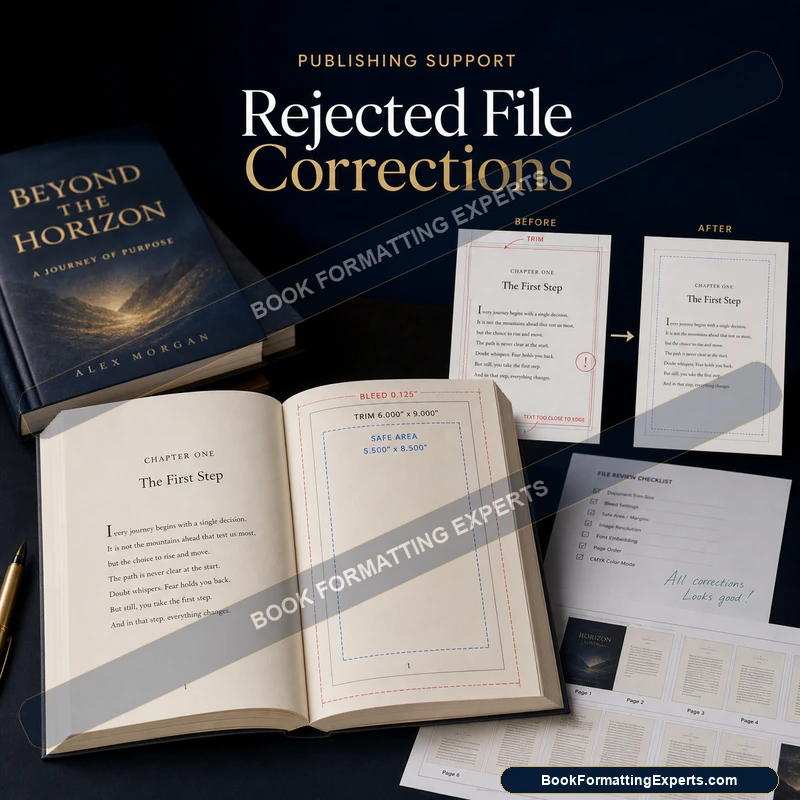
Bleed Correction
A finished Bleed Correction example from our Rejected Book File Corrections work.
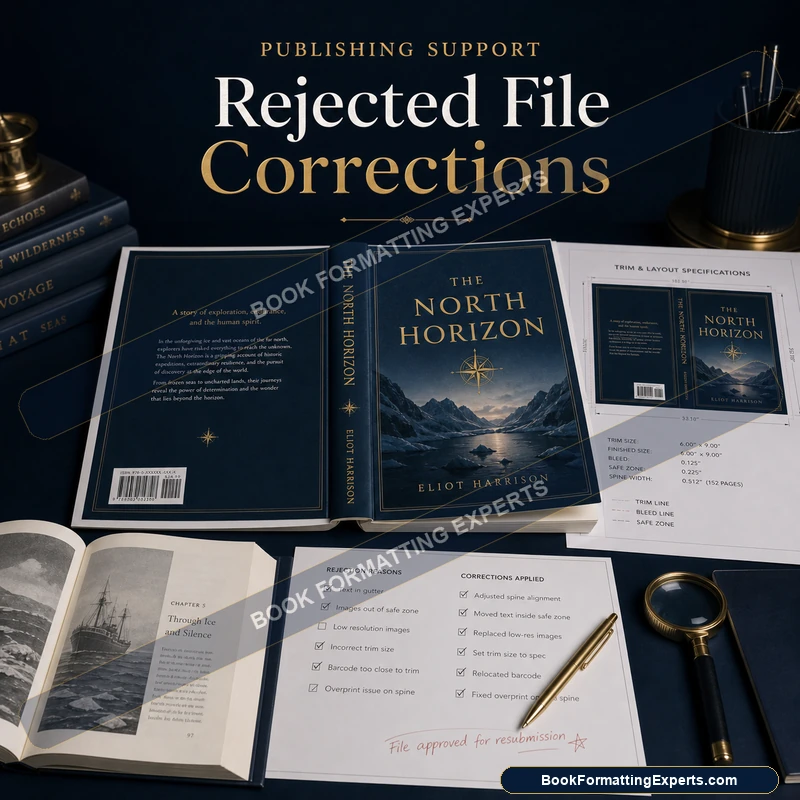
Cover Correction
A finished Cover Correction example from our Rejected Book File Corrections work.
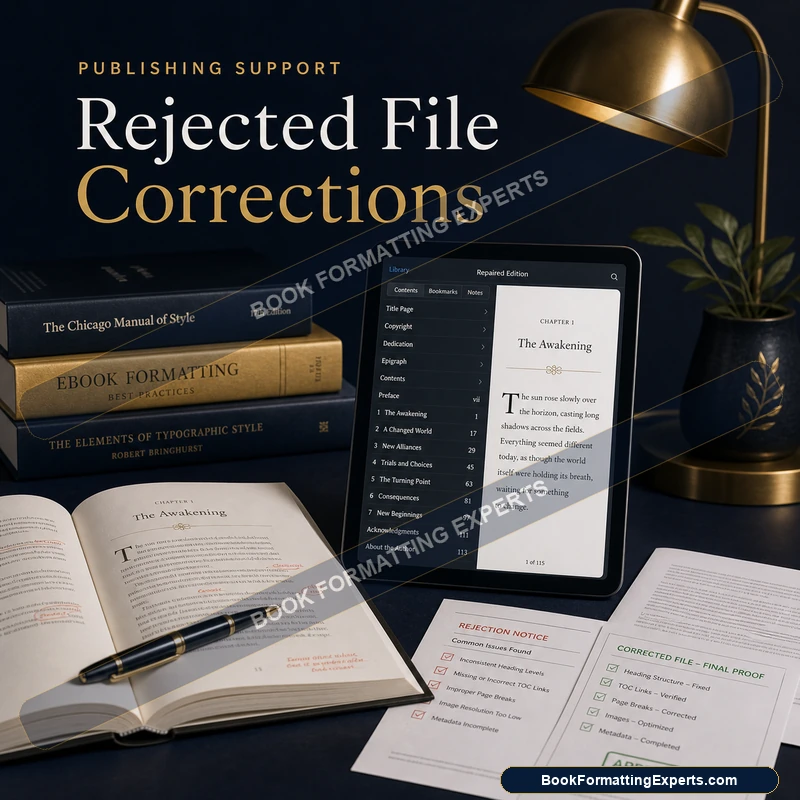
eBook Correction
A finished eBook Correction example from our Rejected Book File Corrections work.
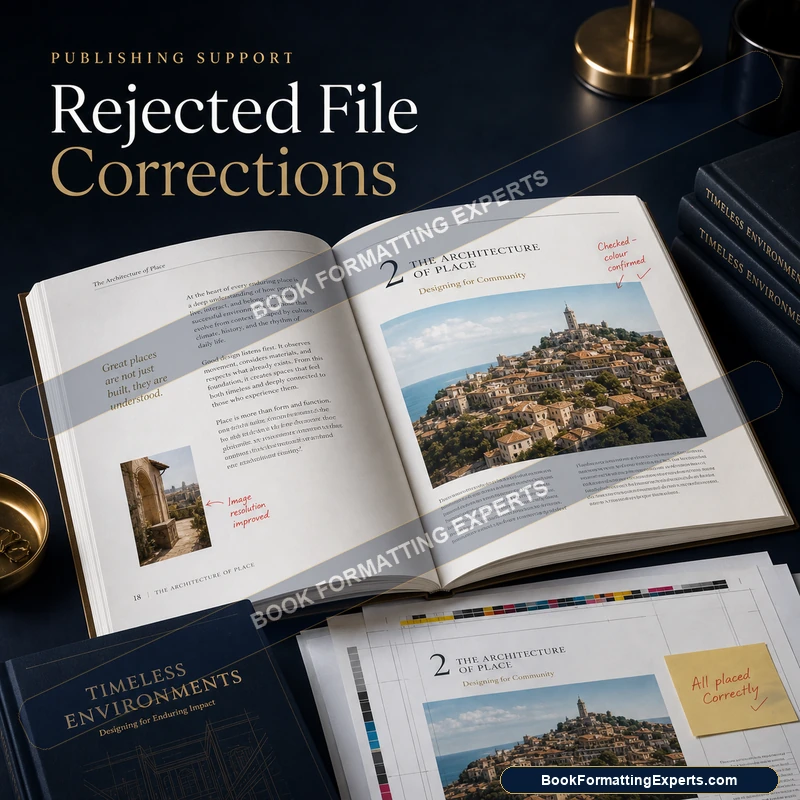
Image Correction
A finished Image Correction example from our Rejected Book File Corrections work.
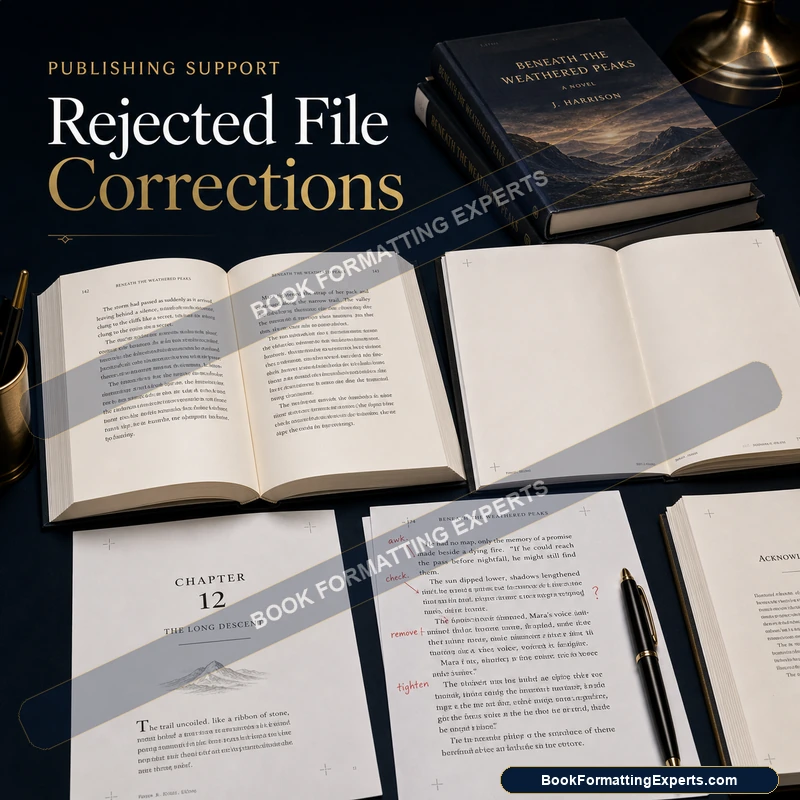
Pagination Correction
A finished Pagination Correction example from our Rejected Book File Corrections work.
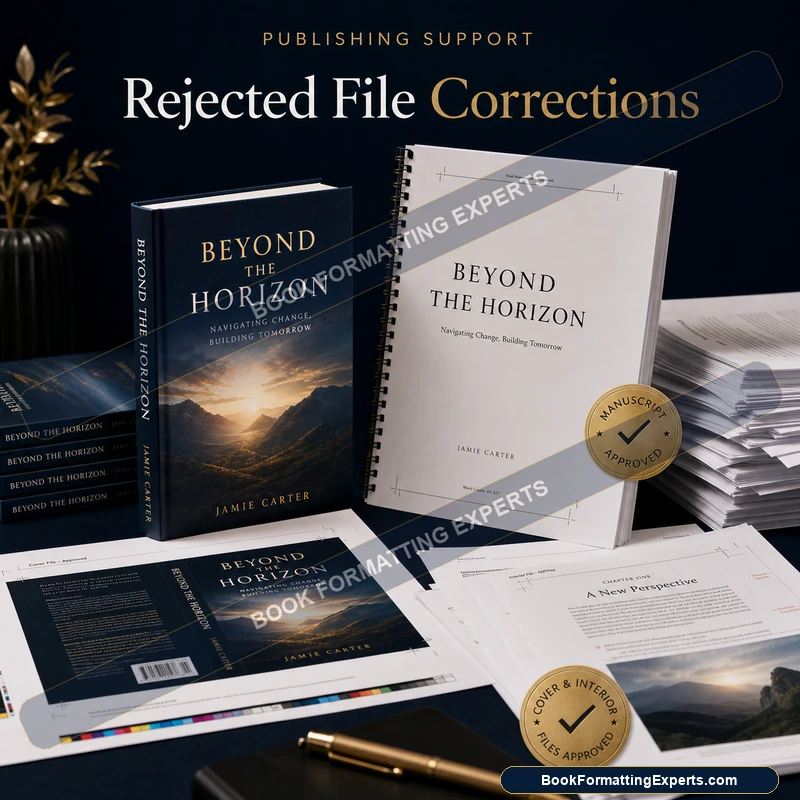
Corrected Package
A finished Corrected Package example from our Rejected Book File Corrections work.
Our standard
The standard we hold every rejected file correction to
Fix causes, not symptoms
Our rejected-file repair work corrects the underlying structure, so the same problem does not return when the text changes. It is a standard we hold on every rejected-file repair job, whatever the price of the package or the length of the book.
Evidence over assurance
For a rejected file correction, we supply the validation or preflight report with your files, so a clean result is something you can see. For a rejected file correction, you can check it for yourself, because the evidence comes with your files. On this rejected file correction job, holding to it costs us time, and it saves you the cost of repairs later.
Plain communication
We explain what we found and what we did in plain language, and we tell you honestly when something is outside what the file can support for the rejected file correction. On this rejected file correction job, holding to it costs us time, and it saves you the cost of repairs later.
Checklist
The pre-delivery checklist for a rejected file correction
Every item below is verified on your rejected file correction before it leaves our desk.
- Audit completed and agreed with you
- The rejection message checked and corrected
- Interior faults checked and corrected
- Cover faults checked and corrected
- Re-upload checked and corrected
- Validation or preflight run with the report supplied
- Previewer and device checks completed
- Text compared with the approved manuscript
- Specification and change log delivered
How we work
How we approach a rejected file correction
Structure first
In rejected-file repair, the rejection message and interior faults are built into the file, not painted on top. We treat structure as the foundation and appearance as the finish, because structure is what survives edits and platform changes for the rejected file correction.
Checked, not hoped
For your rejected file correction, a file is not finished because it looks right on our screen. For your rejected file correction, it is finished when the validator, the preflight and real devices agree, and when we can show you the evidence. It is the principle behind most of what we do on rejected-file repair, and the reason we prefer to explain our choices rather than hide them.
Your files stay yours
We deliver source files and a specification, and we never lock your rejected-file repair work inside a proprietary format. If you hire someone else later, they can pick up where we stopped for the rejected file correction. It is the principle behind most of what we do on rejected-file repair, and the reason we prefer to explain our choices rather than hide them.
Client reviews
What authors say about our rejected book file corrections
Verified reviews from authors who used our rejected book file corrections service.
Getting historical fiction placed in the right categories on Amazon and IngramSpark required strategic metadata. The team understood the genre classification and the book reached the right readers from the first week.
My KDP file was rejected with a technical error message I could not understand. Book Formatting Experts diagnosed the problem immediately — a bleed issue on three pages — and corrected it the same day. Approved first time.
My YA novel needed to reach both English-language and Japanese readers. The multi-region distribution setup was handled correctly across all required platforms. International sales have exceeded my expectations.
The formatting error fix service saved my launch. My original formatter had made margin errors causing repeated rejection. Book Formatting Experts identified and fixed every issue within 48 hours. My launch was back on schedule.
My cookbook needed to be set up across multiple platforms simultaneously. The publishing support team handled every submission — KDP, IngramSpark, and Apple Books — with different requirements for each. Flawlessly executed.
The publishing readiness review identified four issues in my manuscript that would have caused rejection. Each was clearly explained and quickly resolved. My book launched without any technical complications.
Good publishing support overall. The KDP metadata setup was thorough. One category selection needed updating after initial launch but it was corrected promptly. The book is performing well in its target categories.
Good support throughout the KDP upload process. The metadata setup and category selection were explained clearly. One pricing setting needed adjustment after initial setup but it was corrected quickly.
Navigating IngramSpark's requirements for the first time felt overwhelming. The upload assistance handled everything — metadata, pricing setup, distribution channels. My children's book reached bookstores within two weeks.
As a first-time author, the technical side of self-publishing was genuinely daunting. The consultation covered every decision — platform choice, pricing strategy, metadata, and distribution. I launched with genuine confidence.
Excellent cover concept. One colour palette revision was needed — I wanted warmer tones — and the designer responded quickly with three alternatives. The final version is exactly right for my readership.
Academic EPUB with complex equations and references. One formula needed manual correction in revisions but the overall quality was exactly right. The file validates without errors on all platforms.
My cookbook had complex multi-column layouts and metric conversions. The formatting handled every element cleanly. One revision to tighten the index and it was exactly right. A professional result.
My self-help book needed a layout that felt warm and approachable without losing professionalism. The chapter openings, pull quotes, and action steps all worked visually together. Readers have commented on how easy it is to work through.
Fantasy books need careful layout to handle maps, epigraphs, and chapter artwork. Every element was handled with real understanding of the genre. The final interior is exactly what a fantasy reader expects.
My speaking and consulting enquiries increased noticeably after the website launched. The professional design and clear service pages communicate exactly what I offer. A worthwhile investment in my author business.
The cover communicates tension and danger without revealing too much of the plot. The design is original rather than using standard genre conventions. It stands out distinctively on Amazon search pages.
My EPUB was rejected twice by Apple Books before I found Book Formatting Experts. They identified the metadata errors, rebuilt the file properly, and the new version passed immediately. Wish I had contacted them first.
FAQ
Rejected Book File Corrections: questions answered
These are the questions authors ask most about rejected book file corrections, including steps, errors and cost. If your question about the rejected file correction is missing, request a quote and a specialist will reply.
What should I do if my book file was rejected?
Send us the file and the message. We diagnose every fault, fix them and verify. For rejected-file repair, we check the result against the platform's own rules before you see it.
How do I fix a KDP rejected file?
Identify the fault, correct size, margins, fonts or structure and resubmit. We keep a record of what we changed so that you can review the work for the rejected file correction.
How do I fix an IngramSpark rejected file?
Run preflight, correct fonts, colour, size or cover and resubmit. The calculator on this page shows the fixed price for each package before you commit on this rejected file correction project.
What is a rejected book file correction service?
It is a service that diagnoses and repairs files that a platform has refused. For a rejected file correction, if you are unsure, send the file and we will tell you what the job involves.
How do I fix KDP manuscript errors?
Clean the styles and structure of the document, or upload a corrected EPUB or PDF. Revision rounds are included, so the first delivery does not have to be perfect with your rejected file correction.
How do I fix a rejected EPUB?
Run EPUBCheck, correct the errors and test again. For rejected-file repair, we check the result against the platform's own rules before you see it.
How much does a correction cost?
On this rejected file correction job, the calculator on this page shows a fixed price for each package. We keep a record of what we changed so that you can review the work for the rejected file correction.
How do I correct a rejected PDF for print?
Correct page size, margins, bleed, fonts and images and re-export. The calculator on this page shows the fixed price for each package before you commit on this rejected file correction project.
Can you upload the corrected file?
Yes, on request. For a rejected file correction, if you are unsure, send the file and we will tell you what the job involves.
What if it fails again?
We investigate at no charge. Revision rounds are included, so the first delivery does not have to be perfect with your rejected file correction.
Do you fix covers too?
Yes. For rejected-file repair, we check the result against the platform's own rules before you see it.
How long does a correction take in this rejected file correction order?
Most corrections take about three days. We keep a record of what we changed so that you can review the work for the rejected file correction.
My book file was rejected, what should I do?
Read the message, then check every item, not only the first. We diagnose and fix. The calculator on this page shows the fixed price for each package before you commit on this rejected file correction project.
KDP rejected my file; can you fix it?
Yes. For a rejected file correction, if you are unsure, send the file and we will tell you what the job involves.
IngramSpark rejected my file; can you fix it?
Yes. Revision rounds are included, so the first delivery does not have to be perfect with your rejected file correction.
How much does rejected book file corrections cost?
The rejected book file corrections cost starts at $189 for a review and rises to $709 for a complete launch package. Rejected book file corrections services and rejected book file corrections cost depend on the platform and the amount of work, and the calculator shows the total.
How long does rejected book file corrections take to finish?
Most rejected file correction jobs are delivered in about 2 working days. Priority options shorten the schedule, and the calculator shows an estimate with your rejected file correction.
How do I get started?
Build your correction in the calculator and you will see the exact price and turnaround before you commit. Forward the rejection message and the file, and we will decode it, fix exactly what the store flagged and hand back a file built to pass on re-upload.
Ready when you are
Ready to start your rejected file correction?
A rejected file is a fixable problem, and the fastest fix is a full check. See your price in a minute, or send the file and the message and we will tell you what is wrong.
- Fixed price shown before you pay
- Revision rounds included
- One named specialist, brief to upload